Out-of-date printouts
The line list in the truck is three issues old.

EXECUTE · CONSTRUCTION PORTAL
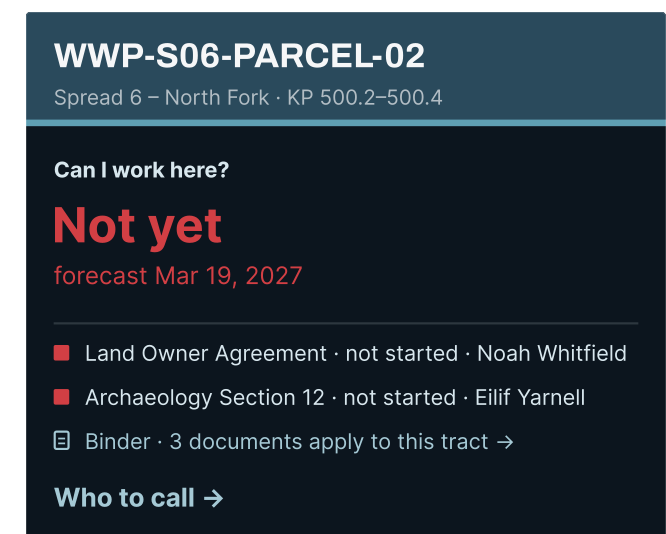
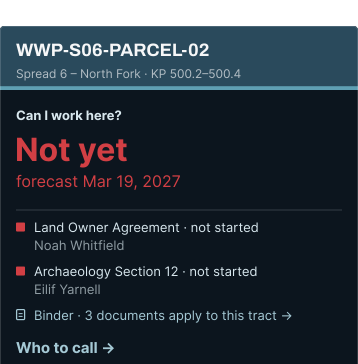
A browser portal for people on site. It answers “can I work here today?”, says why, and shows who to contact, what to do before entry and the documents that apply.
THE PROBLEM
The line list in the truck is three issues old.
The crew is at the gate and can’t reach the land agent.
A package is pulled at noon and the crew hears at five.
WHAT IT DOES
01
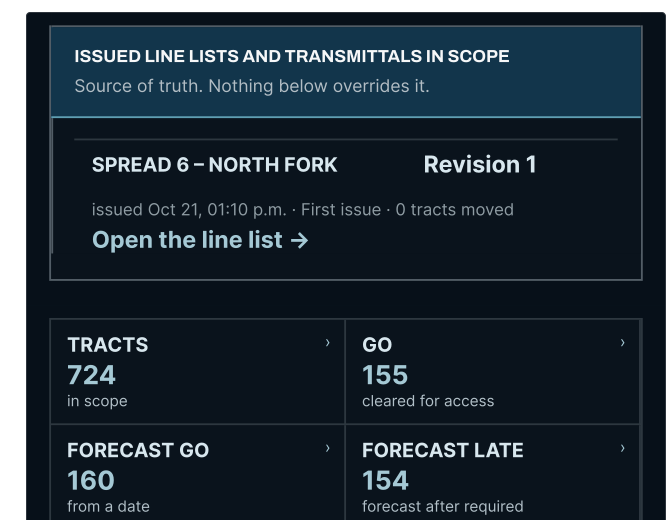
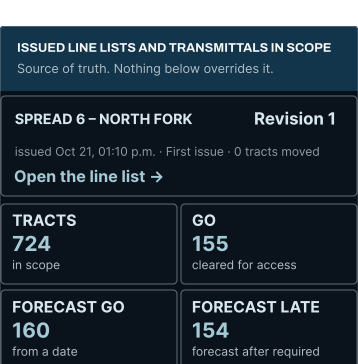
Each crew sees the issued line lists and transmittals for its own spreads, with a count of tracts by readiness.
02
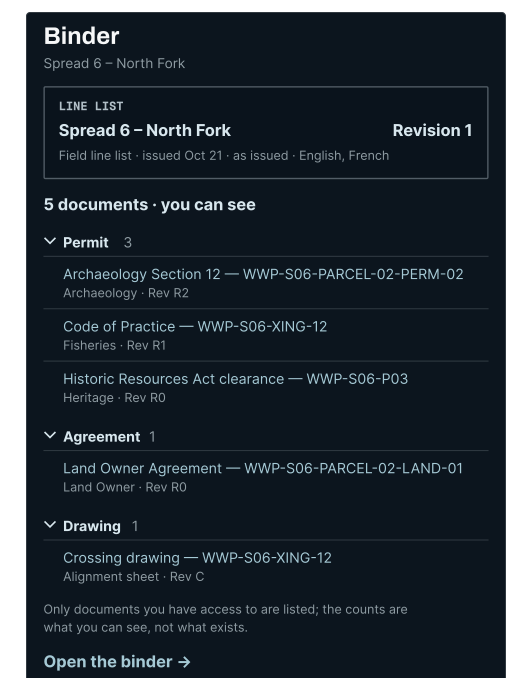
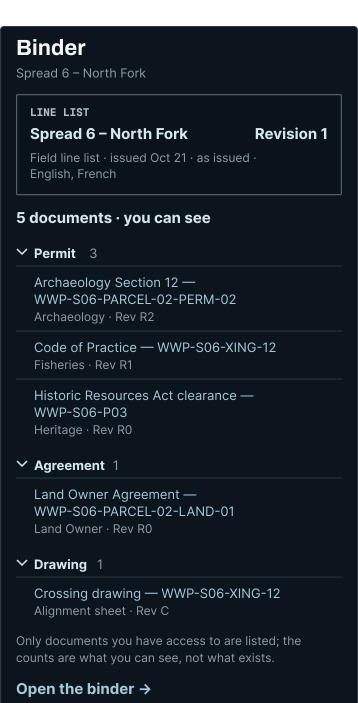
The Binder opens on the issued line list, then the permits, agreements and drawings filed to the crew’s spreads. Nothing from outside those spreads. Open a tract and the portal lists the documents that apply to it.
03
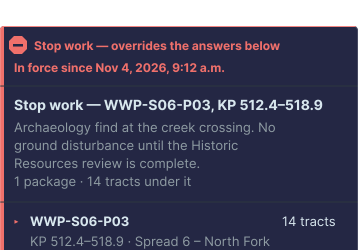
When your team declares a package blocked, its crews see a stop-work notice on their home page.

04
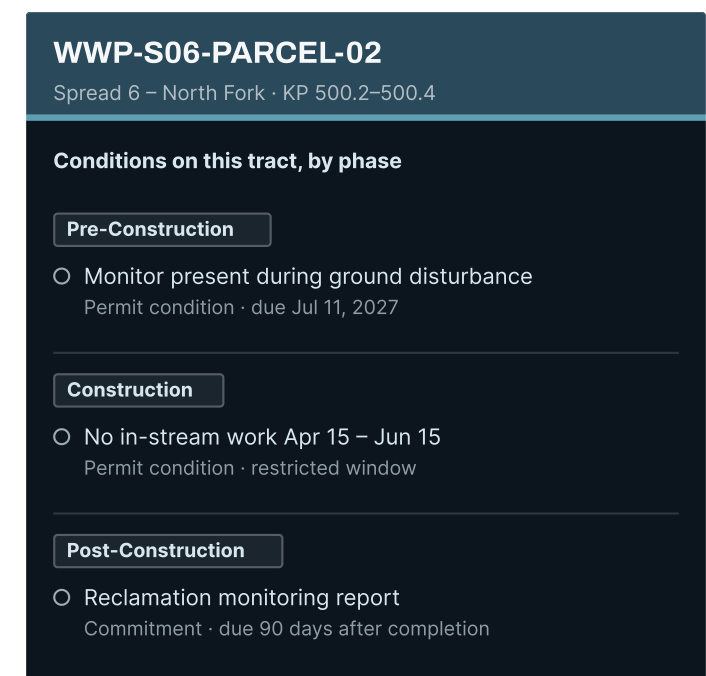
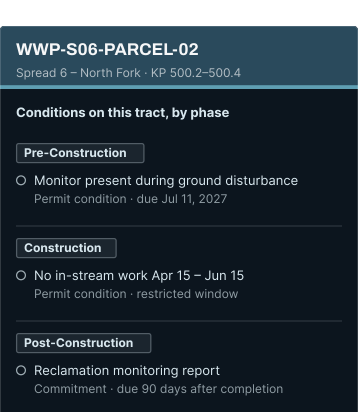
Every condition on the tract, by phase, so the crew knows before the work starts, while it runs and after it’s done.
IN THE FIELD, OFFLINE
Available for iOS and Android. Your team gets the app with its REALMS project.
Take a project area offline. Changes save on the phone and sync when you are back in range.
Report an incident with photos, even with no signal. It sends when REALMS is reachable.
Mark workflow steps and add notes to a permit or agreement from site.
CONNECTED TO
Each crew sees the packages in its spreads
Explore construction packages →Look up any location by reference
Explore Locations & mapping →Before-entry notes come from open commitments
Explore Commitments & compliance →Report from site into the same review
The issued line list is the source of truth
Explore Dashboards & reporting →WHO USES IT
Know before you go whether the ground is ready, open the binder for your spreads, and report an incident from site.
The latest line list and documents, for your spreads only.
The same answer the office sees, on site.
We will show you what your crews would see tomorrow morning.