01
One record for every approval
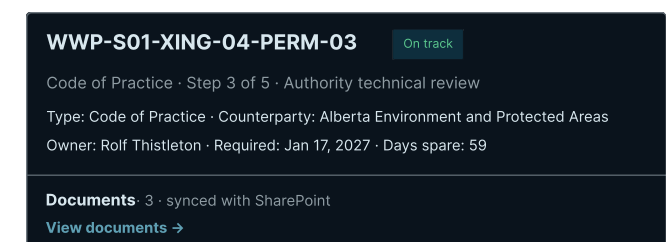
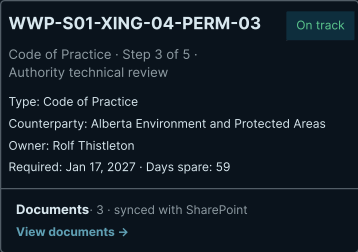
Each permit or agreement has its type, owner, counterparty and dates in one place, with documents stored in your SharePoint where configured.

CLEAR · PERMITS, AGREEMENTS & WORKFLOWS
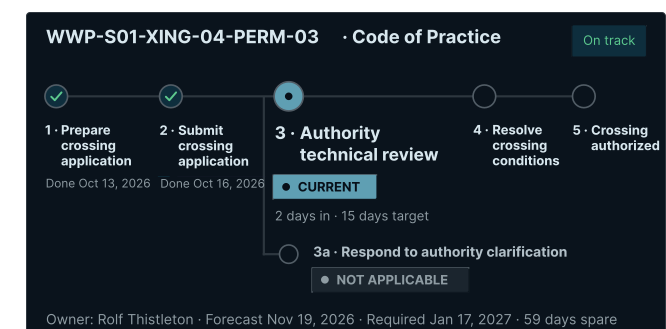
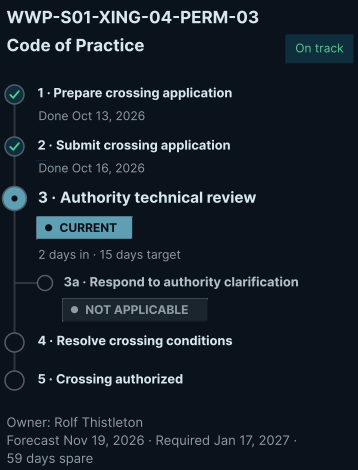
Track permits, agreements and notices with an owner, a forecast date and the documents behind them. Configured workflows show their steps; other records use a simple status.
THE PROBLEM
An application sits with a consultant, a regulator or a landowner, and the tracker doesn’t say which.
A permit is “due next month” until the day it isn’t.
Finding which approval is holding a package takes a meeting.
WHAT IT DOES
01
Each permit or agreement has its type, owner, counterparty and dates in one place, with documents stored in your SharePoint where configured.
02
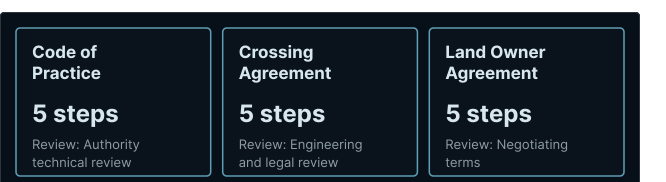
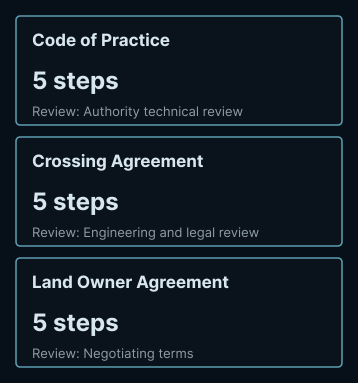
Configured approval workflows follow their own steps, each with a target number of days. Other approval records use a simple status.
03
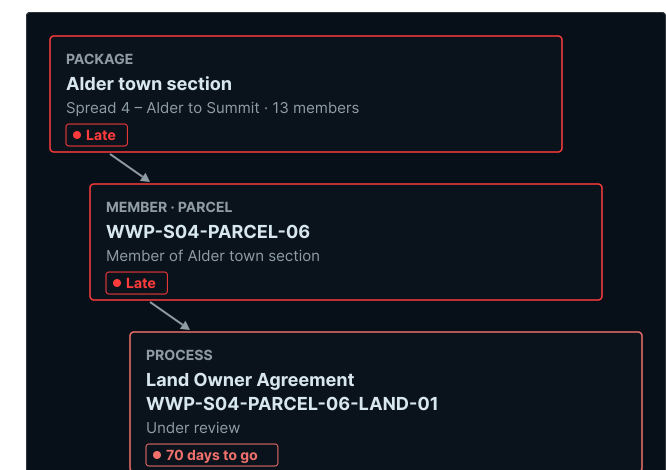
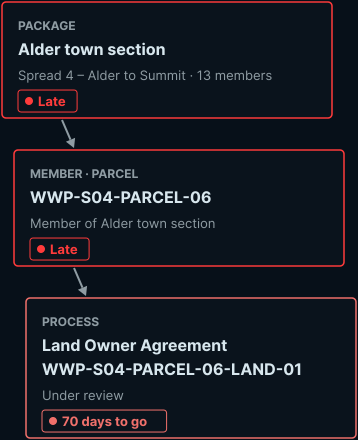
Open a late package, see the locations holding it, and the permit or agreement behind each one.
WHO USES IT
Every application, who has it, and when it will land.
Every landowner agreement, step by step.
Forecast dates that come from the work left to do.
Bring the approval you are chasing. We will show you its owner, its next step and its date.