Reports start on paper
The form is filled in at the end of the shift, from memory.

COMPLY · INCIDENT MANAGEMENT · OPTIONAL MODULE
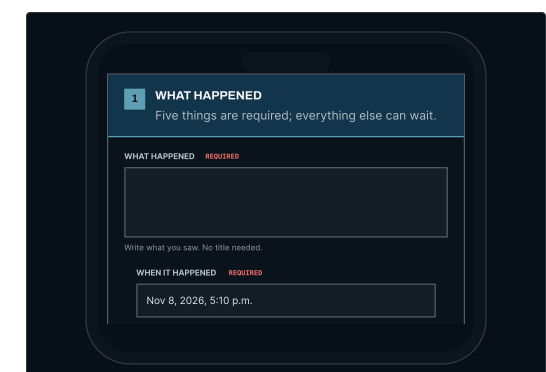
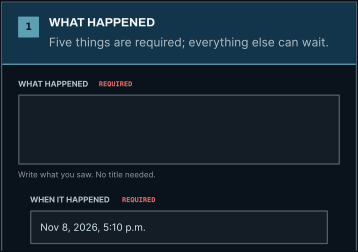
Crews report incidents from a phone browser. Each one goes through a staged review to close-out, with corrective actions tracked to the end.
THE PROBLEM
The form is filled in at the end of the shift, from memory.
Nobody can see whose desk an incident is sitting on.
Corrective actions are agreed in a meeting and forgotten by the next one.
WHAT IT DOES
01
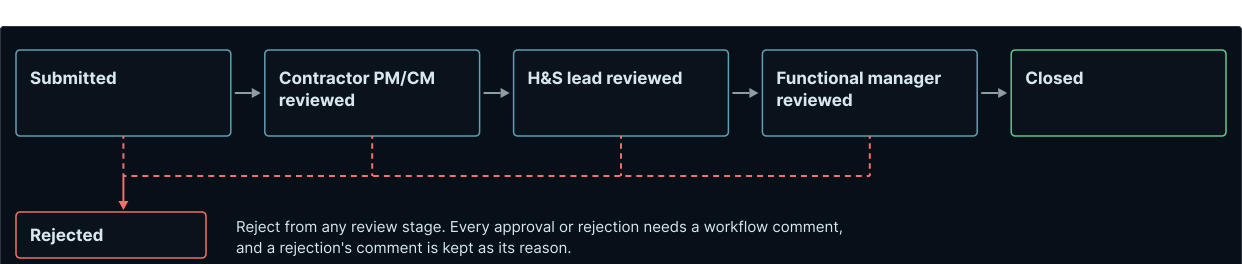
Each incident moves from the contractor’s review to the safety lead and the functional manager, then closes. Any reviewer can reject it, and every approval or rejection needs a comment.
Scroll to explore the review stages →
02
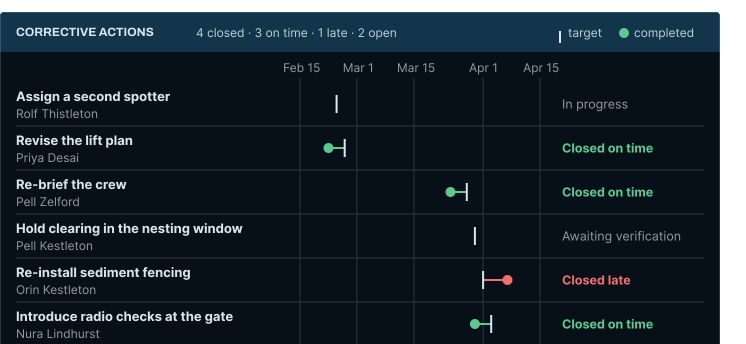
Every action has an owner and a due date, and REALMS measures whether it closed on time.

03
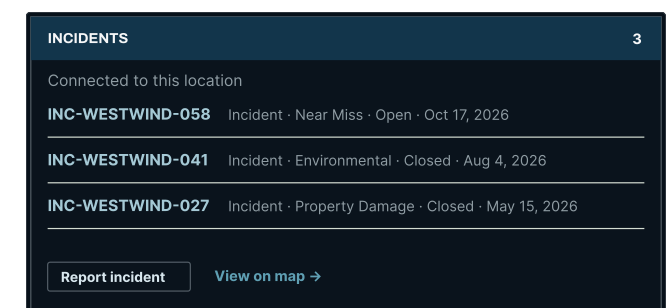
Link an incident to the locations, commitments and corrective actions it touches.

WHO USES IT
Report from site, from any phone browser.
Review, approve or reject with a comment, and close out.
Sign off with the full history in front of you.
Bring an incident you closed last month. We will show you how it would run in REALMS.